Automations & Documents
Chapter 03 · 6 articles · 27 min total
- Automating document intake
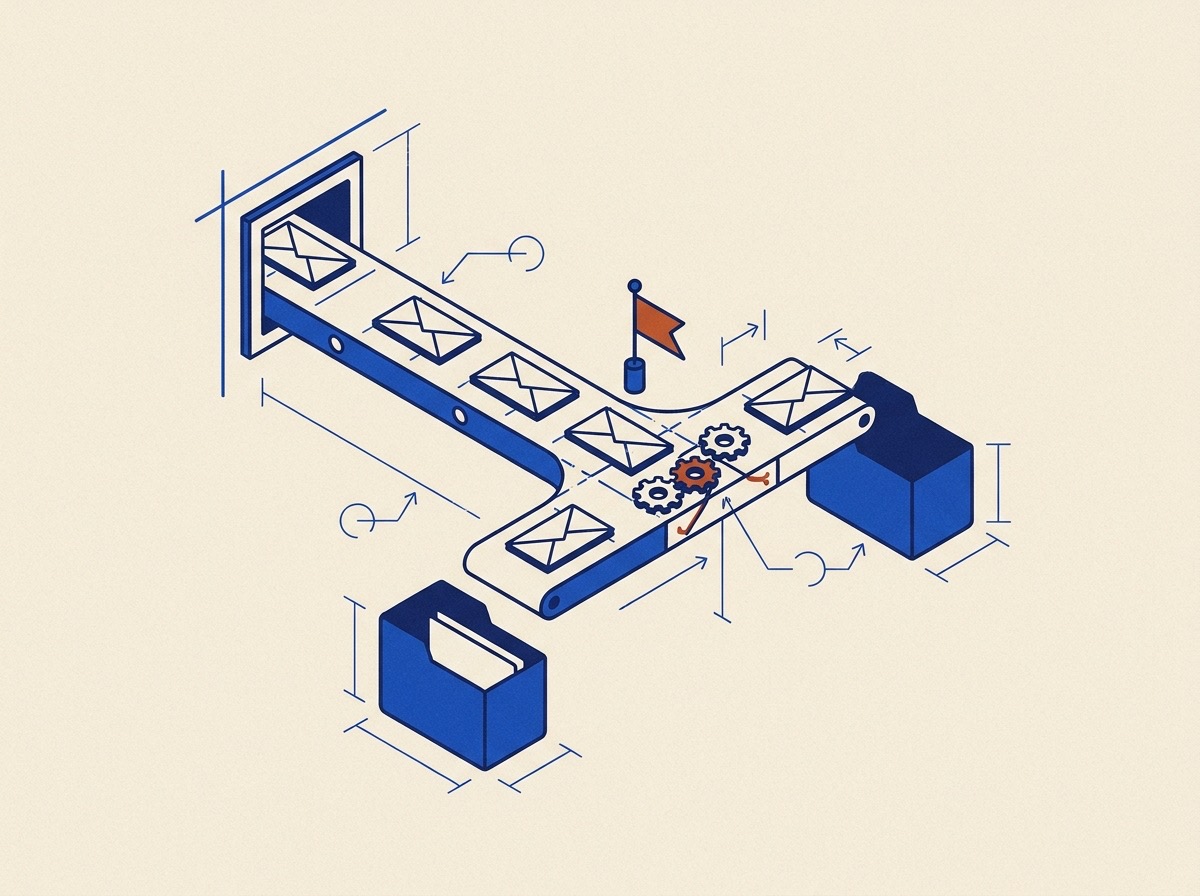
An automation watches Gmail or Google Drive and routes each matching file into a workspace mailbox: tagging it with a category, optionally extracting fields with a template, and creating or updating the matching case without manual upload.
- Triggers & rules
A trigger is what an automation watches (Gmail, Drive, Time, or Case Data), and a rule binds that trigger to a destination, optional extraction, and file storage; create one in the Automations drawer.
- The action pipeline
When a trigger matches, the pipeline finds or creates a case using the identifier, routes it to a mailbox, saves the file, and runs extraction. You configure the destination parameters.
- Drive import
Connect Google Drive, build an automation with a Drive trigger pointed at a folder, and Document Blueprint pulls new files in automatically through the same downstream pipeline as Gmail intake.
- Managing & debugging automations
Open the Automations drawer to manage every automation, then open a row and read its Activity log under the canvas to debug a missed run.
- How files get routed
Files are routed by a category tag that names the document type. The app tags files when an automation ingests them or a template generates them. You can also name categories in a template or apply them to case files.