Plans & limits
Every plan limit in one place: what Free, Lite, Pro and Scale cost and include, how AI tokens work, and how to change your plan. Templates work fully on every plan. Cases, automations and teams open on Pro.
Four plans. Free and Lite fill documents from templates. Pro adds the dashboard, where documents become cases your team works together. Scale is Pro for bigger teams.
The plans
| Free | Lite | Pro | Scale | |
|---|---|---|---|---|
| Price | $0 per month | $19 per month | $99 per month | $299 per month |
| Templates | 3 templates | 15 templates | Unlimited | Unlimited |
| Documents filled | 20 documents a month | Unlimited | Unlimited | Unlimited |
| Pages filled in a PDF | The first 5 pages of each document | Every page | Every page | Every page |
| Small line on filled pages | Yes | No | No | No |
| AI tokens a month | 500K | 2.5M | 8M | 15M |
| Storage | 500 MB | 5 GB | 50 GB | 500 GB |
| Largest file | 10 MB | 50 MB | 250 MB | 1 GB |
| Seats included | 1 | 1 | 2 seats | 10 seats |
| Cases, automations, Gmail, teammates and clients | Read only | Read only | Yes | Yes |
| Workspaces | 1 | 1 | Unlimited | Unlimited |
| Batch autofill | No | No | Yes | Yes |
| Token packs | No | Yes | Yes | Yes |
Yearly costs ten months instead of twelve, on the pricing page. Each account gets one 14-day trial, of Lite or Pro: the card is taken at checkout and billed on day 15 unless you cancel first. Scale bills from day one. No plan has a daily limit.
Free's limits
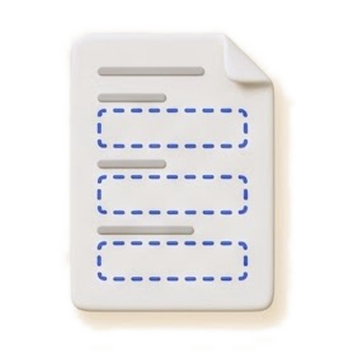 A 7-page template
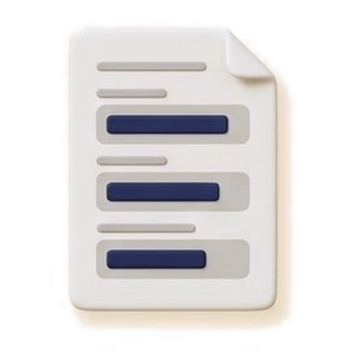 First 5 pages, one small line
Free fills 20 documents a month, counted from the 1st (UTC). Every run that makes a document counts, even one that fails. Later pages stay in the file, blank. The line reads Filled with Document Blueprint. A Word document is filled whole, without the line, and still counts.
On Free and Lite each run is kept as a temporary case for 14 days, 50 at most. Moving to Pro keeps them for good.
AI tokens
Every AI step spends one balance: what's left of the month's allowance, then any token packs. Pack tokens never expire and stay yours if you change plans.
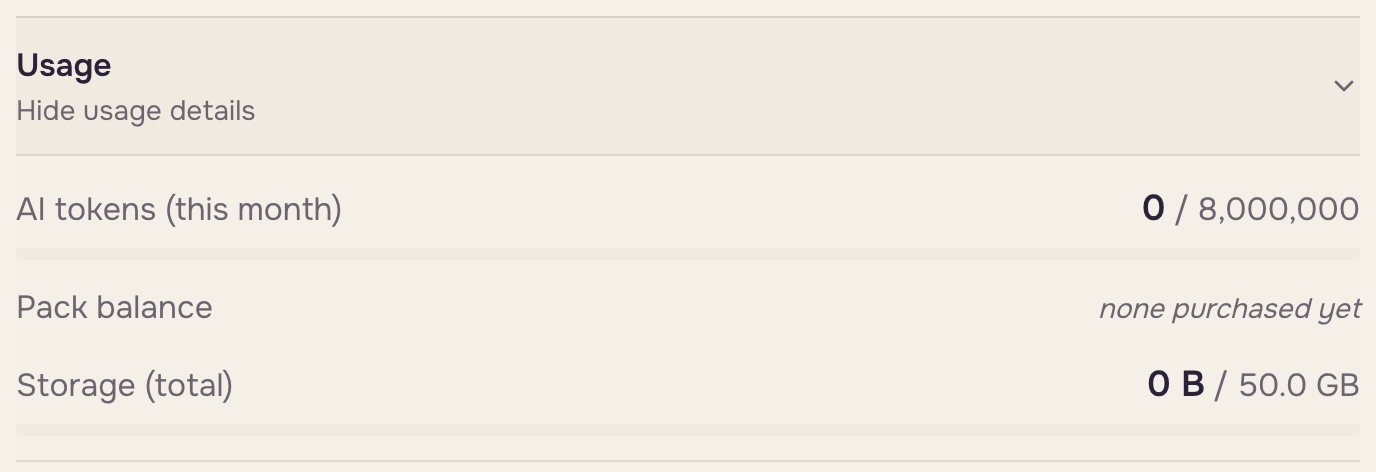
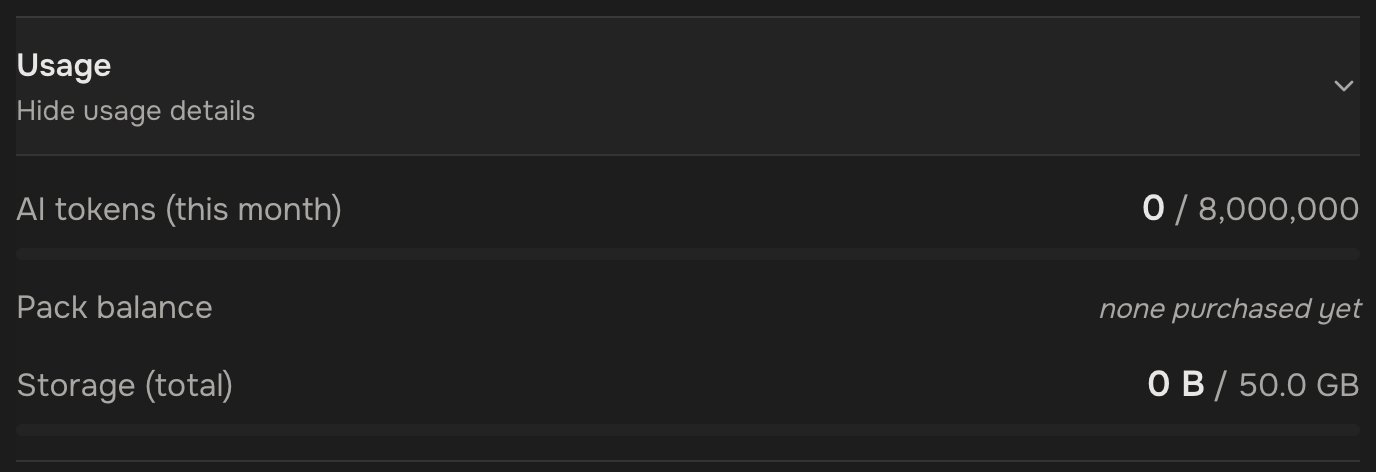
The storage figure includes files still being saved.
The meter under the chat box and in the run screen warns at 80%, 95% and 100%. At zero, new AI work waits for the 1st or a token pack; work already running stops at its next step and keeps what it did. On Lite and above, the owner can buy 1M more tokens for $15: under Usage once 80% is used, or any time on the pricing page.
Storage
Storage counts every file the account keeps: case files, generated documents, attachments and template documents. Deleting files frees it.
- From 80%, after a run or an upload, a pop-up in the bottom corner says how much is used (for example Storage 86% used), once per visit. The owner also gets a button for the next plan, such as Upgrade to Scale.
- When storage is full, a run of one document still makes it, but nothing is saved: the pop-up says Storage full and offers Download and the upgrade. The document is not kept, so download it before you close the pop-up. A run on your own documents in the template editor downloads as always, and the pop-up says it wasn't saved.
- While storage is full, uploads, runs on many cases and batch runs are refused with the same upgrade button. Delete files or upgrade, then try again.
Seats
Pro includes 2 seats and holds up to 9 seats; Scale includes 10 seats. Extra seats cost $15 per month on Pro and $25 per month on Scale. A team of 10 or more needs Scale.
Which plan applies
Inside an organization, the owner's plan applies to everyone in it. Only the owner changes it, and the pricing page always buys for your own account.
Change your plan
The owner opens Settings, then Account, then Plan:
- On Free: Start 14-day Lite trial, or Upgrade to Lite once the trial is used. For Pro or Scale, Compare plans.
- On a paid plan: Upgrade to Pro or Upgrade to Scale, Manage billing for your card and invoices, and Downgrade, which moves you to Free when the billing period ends. Until then, Keep Pro (or Lite, or Scale) undoes it.
 Checkout
 14-day trialBilling starts
Downgrading deletes nothing (What happens when I stop paying). The owner gets an email for each new paid plan, three days before a trial ends, when a payment fails, and when Pro or Scale ends.