Calculations & automatic values
Some values are on no document: a total, the days until a due date, today's date, your company's name. An output works them out each time a case is shown or a document is made, so nobody types them.
Open a field and click Add output under Outputs. The menu asks what the output makes.
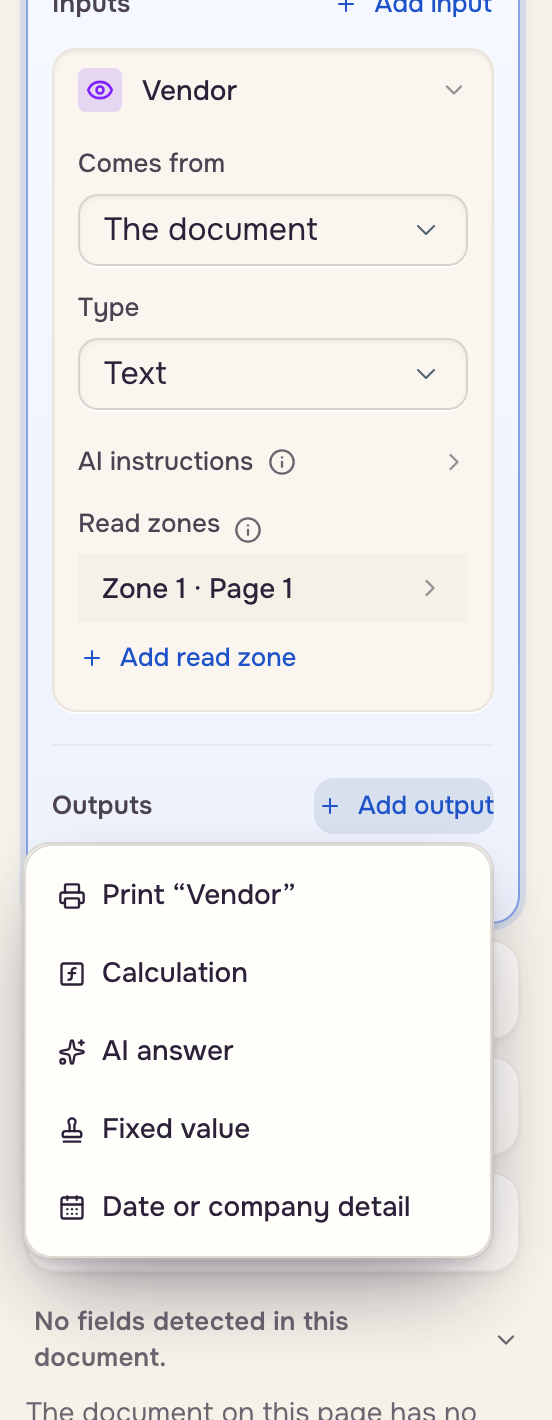
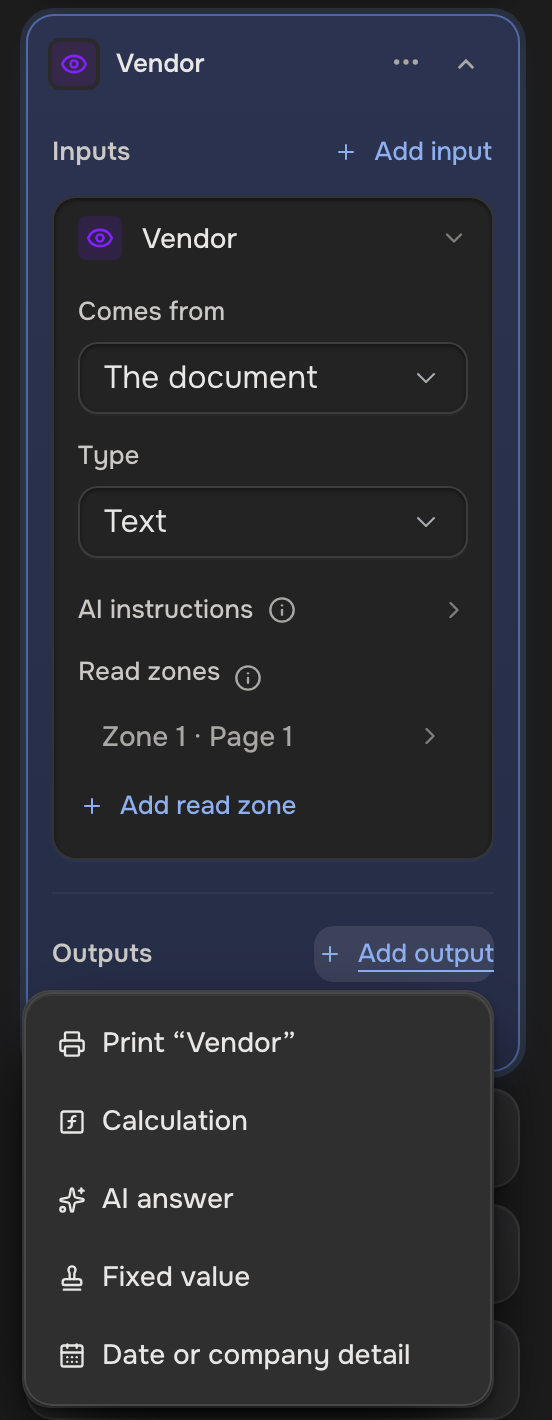
- Calculation: math or text from the inputs. Row word Calculated.
- AI answer: worked out from the inputs and the case. Row word AI.
- Fixed value: the same text every time. Row word Fixed.
- Date or company detail: today's date, or a detail from your company profile. Row word Auto-filled.
- Print: an input written into the document as it is.
An output with no write zone stays on the case and says Not printed; Add write zone prints it and marks the row with a printer. The row's ⋯ menu holds Delete output.
Add a calculation
Ask the AI assistant ("add a total of all the amounts", "show the days until the due date") and it sets the output up.
Or type JSON in the box under the pickers:
{"op": "daysBetween", "args": [{"ref": "$today"}, {"ref": "due_date"}]}
ref reads a case value, literal is a fixed value, and $today and $now are the current date and time. Today is the date in your time zone (Settings, Preferences).
- Math:
add,subtract,multiply,divide,round,roundUp(up to the next step, like the next 5),abs,sum,avg,count,min,max - Dates:
addDays,subtractDays,daysBetween,formatDate - Text:
concat,joinNonEmpty,substring,right,replace,uppercase,lowercase,titleCase,sentenceCase,trim,isEmpty - Money:
formatCurrency,formatPercent - Logic:
if,equals,greaterThan,lessThan,and,or,not
On a repeating field each input holds one value per row: math works row by row, and sum, count, min, max and avg turn the rows into one value.
{"op": "sum", "args": [
  {"op": "multiply", "args": [{"ref": "quantity"}, {"ref": "price"}]}
]}
A calculation is worked out again each time the case is shown or a document is made. One that goes wrong prints blank.
Add today's date or a company detail
Source System with Path today is today's date: yours when you make the document, the account owner's when an automation makes it, each in that person's time zone. Source Company profile with Path name, owner, ownerInitials, addressLine1, addressLine2, phone or fax is a detail the account owner fills in under Settings, Company.
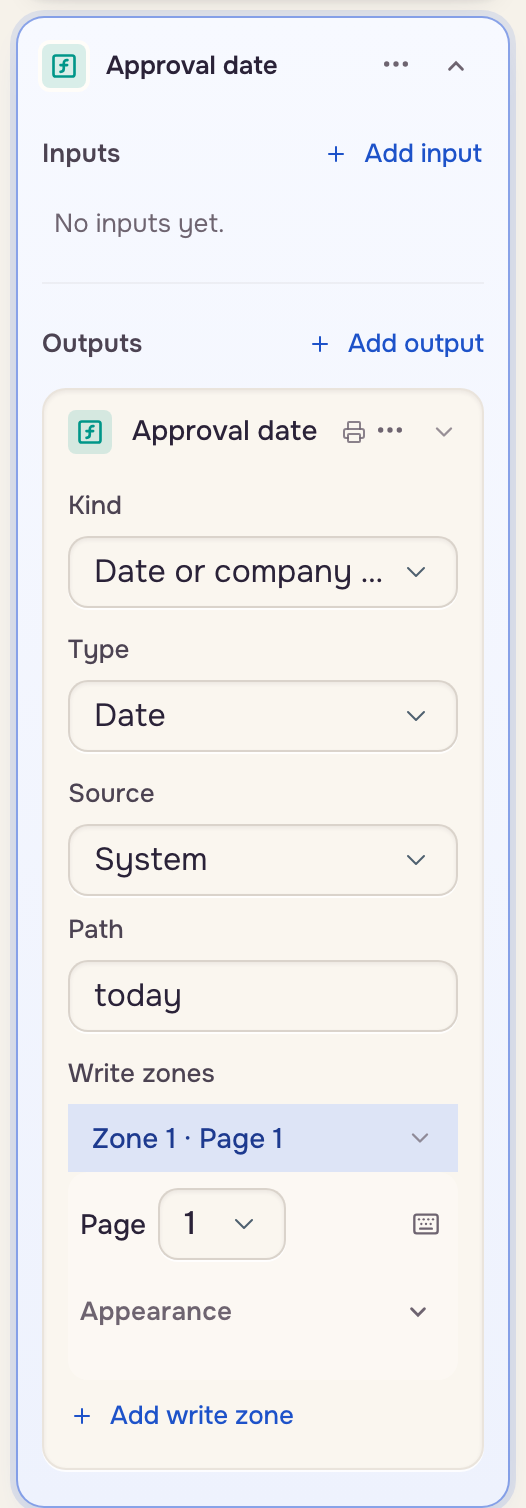
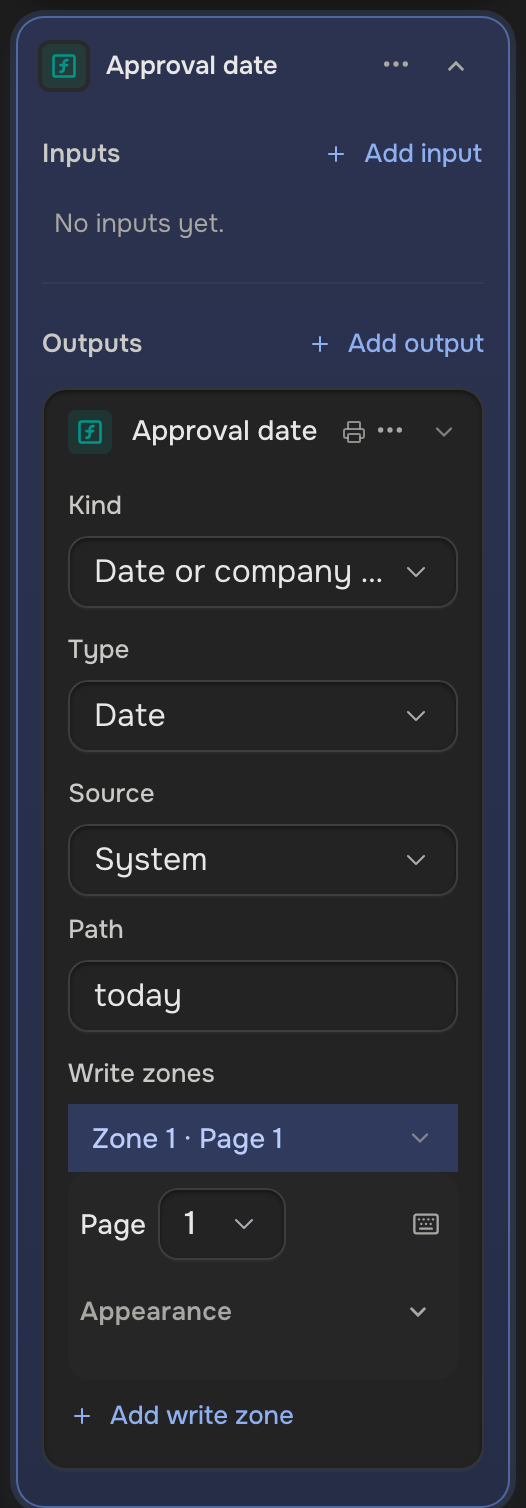
On a Signature field, Add output offers Date signed: a date under the signature in one click.
Good to know
- Calculated and auto-filled values are never saved on the case.
- One waiting on an unanswered question shows Needs and the question's name.
- A value typed over a calculated one wins.
- A calculation reads the field's inputs, a fixed one included, but no Fixed value or Date or company detail output: pass that value as a
literal, or make it a fixed input.